Transactions
3,947
Up 37.7% vs. previous period
Total successful transactions

PREPAID PRODUCTS. CONNECTED OPERATIONS.
Mobile top-ups, digital gifts and PIN products—with a business operations center that brings your activity, products and billing into focus.
Welcome to payment center
3,947
Up 37.7% vs. previous period
Total successful transactions
$522,596.12
Up 61.7% vs. previous period
Transaction volume (processed)
$23,365.79
Up 94.7% vs. previous period
Total commission earned
$132.40
Up 17.5% vs. previous period
Sales ÷ Transactions
$4.47
Up 20.3% vs. previous period
Gross Commission per $100 in sales
$5.92
Up 41.4% vs. previous period
Gross Commission ÷ Transactions
97.1%
Up 3.3% vs. previous period
117 failed of 4,064
Demo Dealer 15 is selling less: 29 transactions, down from 78 (62.8% less).
5 dealers sold in the previous period but haven’t sold anything in this one.
4 live dealers are selling significantly less than usual.
| Dealer | TXN | Trend | Sales / Comm. | Rate | |
|---|---|---|---|---|---|
1Demo Dealer 02 |
596 | Up 208.8% | $79,781.72$3,640.32 | 15.3% | |
2Demo Dealer 01 |
310 | Up 37.8% | $39,726.81$1,792.81 | 7.6% | |
3Demo Dealer 08 |
279 | Up 149.1% | $38,238.72$1,706.45 | 7.3% | |
4Demo Dealer 03 |
243 | Up 32.8% | $33,759.26$1,531.68 | 6.5% |
BUILT AROUND YOUR ROLE
Agents and dealers work in the same Business Operations Center with different account scopes and permissions.
Review dealer activity, locations, catalogs, pricing relationships and billing. Explore the configuration tools for sales channels, representatives and team access.
Explore agent toolsReview store transactions, available products, price lists, invoices and clerk access. Work with your Agent on pricing, account setup and billing questions.
Explore dealer toolsBackend staff access and clerk access to point of sale are separate. Available tools depend on your assigned role.
OUR SOLUTIONS
Explore prepaid products for staying connected, giving a digital gift, or accessing a service with a code. Check the platform for current products and offers.
Explore wireless refills and domestic or international mobile top-ups to keep a prepaid mobile service connected.
Explore mobile productsFind eGift options for a recipient or yourself. Review the selected product’s redemption instructions before purchasing.
Explore digital giftsDiscover PIN products and game codes. Choose a product that matches the service you want to use.
Explore PIN productsProduct selection, eligibility and vendor terms vary. Confirm the details on Pay’nUp before you buy.
WAYS TO SELL
Connect customers with Pay’nUp through kiosks, Web POS, PAX and Verifone terminals, and mobile apps for iOS and Android.
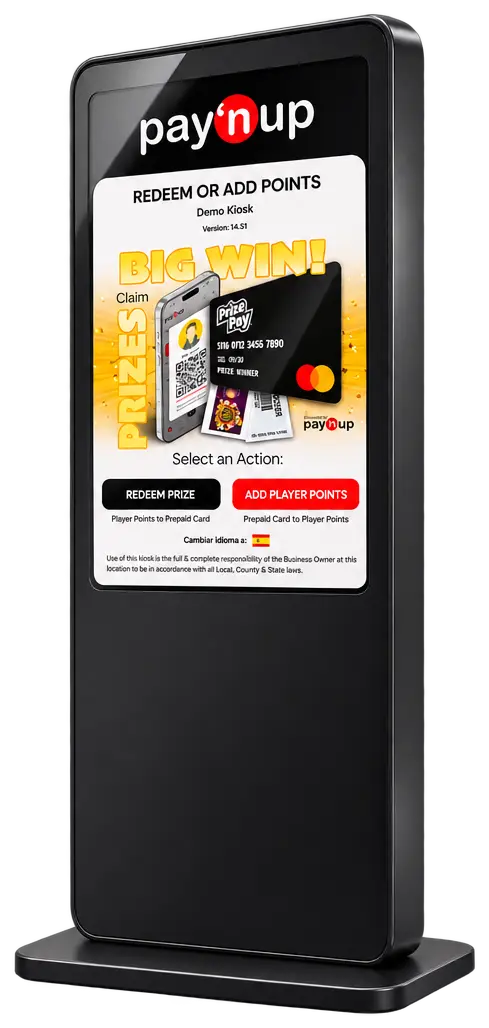
IN STORE
A dedicated in-store channel, with fleet and presentation tools in the Agent workspace.
Discuss Kiosk setup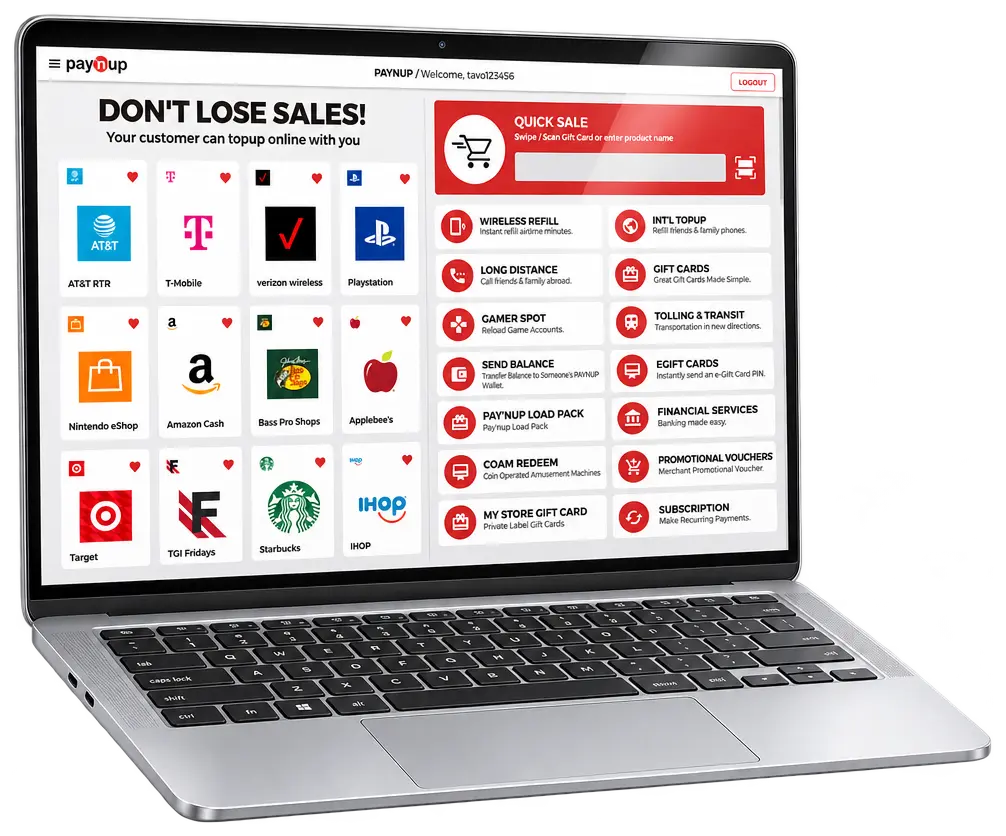
BROWSER BASED
Use Pay’nUp’s web point of sale to browse the products enabled for your account and serve customers from your browser.
Ask about Web POS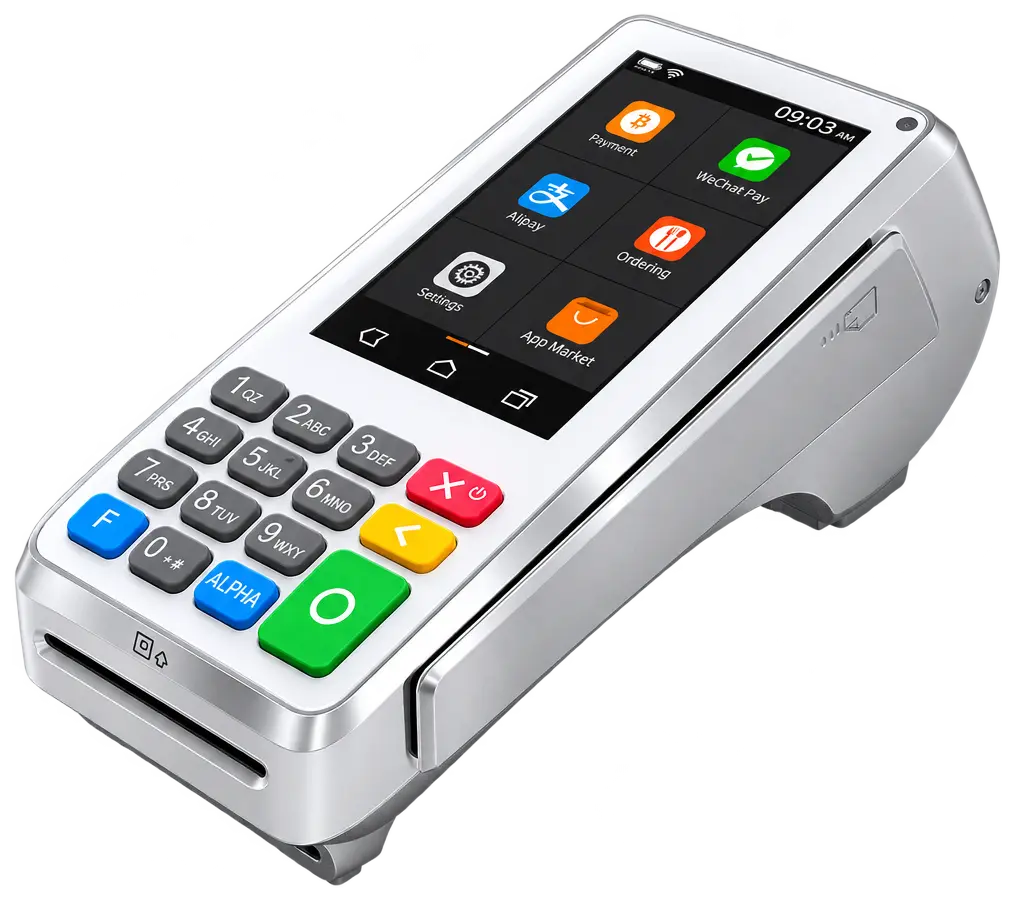
COUNTERTOP
Offer Pay’nUp through a configured PAX terminal. Contact the team to confirm compatible models and the products available for your setup.
Discuss PAX setup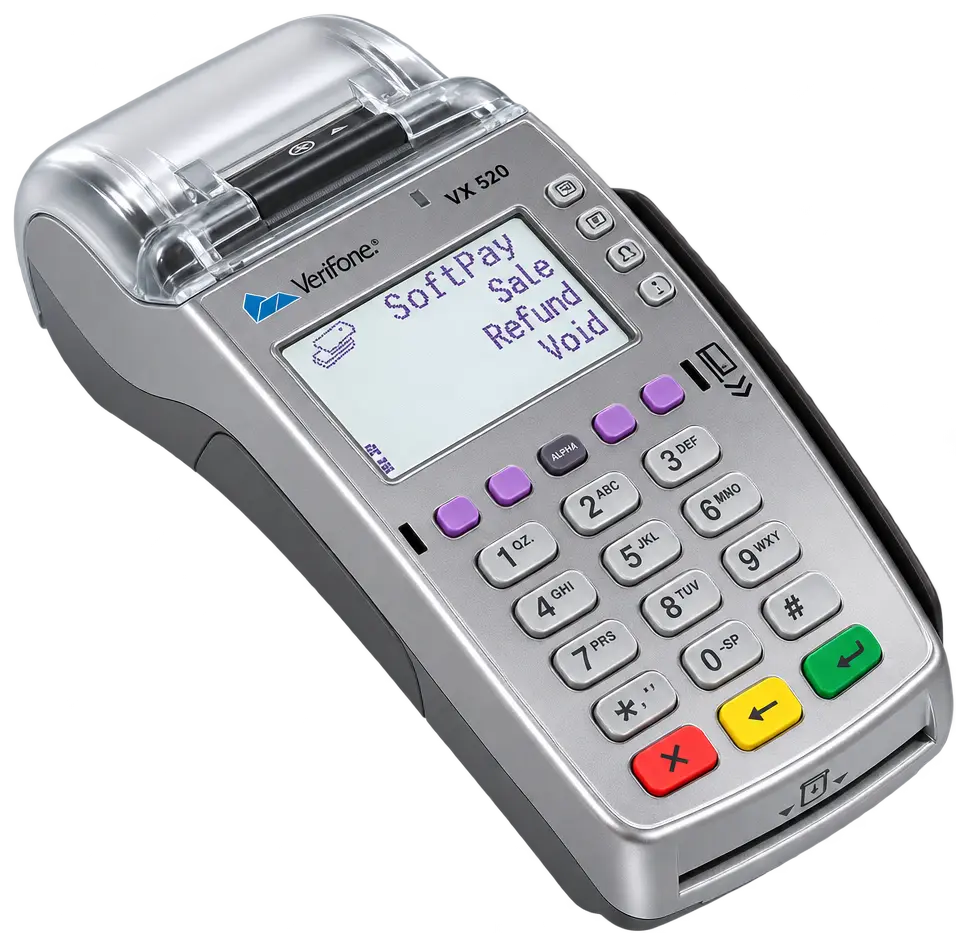
COUNTERTOP
Access Pay’nUp through a configured Verifone terminal. Confirm device support and account requirements before choosing hardware.
Discuss Verifone setupMOBILE ACCESS
Explore prepaid products on your phone. The Pay’nUp app is available for iOS and Android.
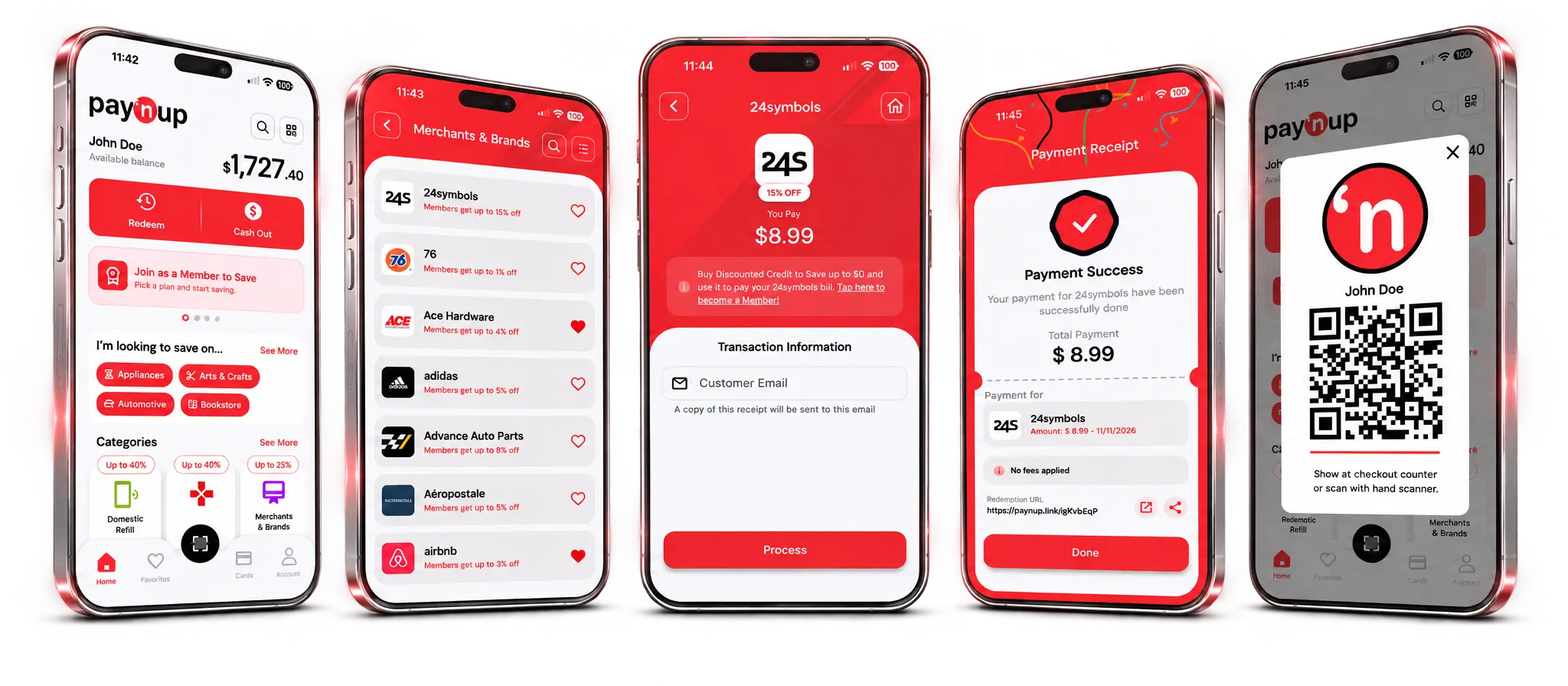
Channel availability, supported devices and enabled products depend on your account configuration. Terminal images are illustrative hardware examples; apps, card brands and payment methods shown on their screens do not establish Pay’nUp support. Contact Pay’nUp before purchasing hardware. Kiosk and Web POS visuals are illustrations.
PAY’NUP API
Bring Pay’nUp into the software your business runs on. Build an integration around your workflows and create a connected experience for your team and customers.
Integrate your application with Pay’nUp through its API.
Explore the API documentation to plan an integration that fits your business.
Availability, hardware and deployment requirements depend on your account setup.
BILLING CENTRAL
See what you have to collect, what you have to pay and what is coming up. Billing Central brings invoice and bill totals, overdue items, ACH reconciliation and aging summaries into one overview.
Available views depend on your account and permissions.
BUILT INTO PAY’NUP
Ask questions about your business in everyday language, right inside the Business Operations Center.
The built-in assistant draws on your own data—sales, products and merchants you can already see—to help you explore business activity.
Sign in and select Pay’nUp AI Assistant. Availability and data access depend on your account and permissions. Check responses against the relevant records.
START WITH A QUESTION
Example questions from the Pay’nUp interface. Use the assistant inside your existing platform account.
FROM THE BIG PICTURE TO THE DETAIL
Review activity by time, location and source. Explore failure patterns, then follow the transaction references that help your team investigate.
HOW IT WORKS
admin.paynup.com is the Business Operations Center. Sales take place through your enabled Pay’nUp sales channel or app; this website introduces the services.
Work with your Agent or account administrator to confirm your role, pricing, billing arrangement and enabled sales channels.
Sign in to admin.paynup.com with your assigned account. Confirm the store or network and select the period you want to review.
Explore products, inspect transactions and compare invoices with payment records. Use your authorized sales channel for purchases and your support route for unresolved questions.
WHY PAY’NUP
Prepaid products supported by a workspace for reviewing the details that matter to your business.
Discover offers on prepaid products and services. See current prices on the platform.
Explore options beyond a single market, with availability determined by the product.
Review transactions, product pricing and billing records in one operations center, with access shaped by your role.
ABOUT PAY’NUP
Pay’nUp offers discounted domestic and international prepaid products and services. The Pay’nUp app is published by YNLO ULTRATECH INC.
The Pay’nUp Business Operations Center at admin.paynup.com gives agents a view of their dealer network and dealers a view of store activity, products and billing. Staff and clerk access serve different operational needs.
Pay’nUp offers prepaid products and services, including wireless refills, mobile top-ups, eGift certificates and PIN products. Check the platform for the current selection.
Availability varies by product. Check the selected product’s country, provider and eligibility requirements, along with the Terms & Conditions of Sale, before purchasing.
Use Access Pay’nUp to open admin.paynup.com, Pay’nUp’s existing account sign-in page. The Business Operations Center provides agent and dealer views for reviewing activity, products and billing. Ask your Agent or account administrator about account access. You can also find the official app on the App Store and Google Play. For access help, contact support.
This is an information website. Purchases take place through the enabled Pay’nUp sales channel or app. The Business Operations Center is the workspace for reviewing operations; clerk access to point of sale is separate from backend staff access.
Menus and actions depend on your role, account configuration, permissions and the record’s state. Agents oversee a dealer network; dealers work within their store’s scope. Contact your Agent or account administrator if a needed tool is missing.
Dealers should contact their Agent for store pricing, billing or access questions. For general Pay’nUp inquiries, email [email protected]. For questions about a vendor’s redemption rules, refer to the product’s vendor instructions. Review applicable terms for fees, timing and refund conditions.
Ask about Pay’nUp’s products and business tools. Existing dealers can also contact their Agent for account-specific assistance.
[email protected]